Powerful financial modeling
for users & AI
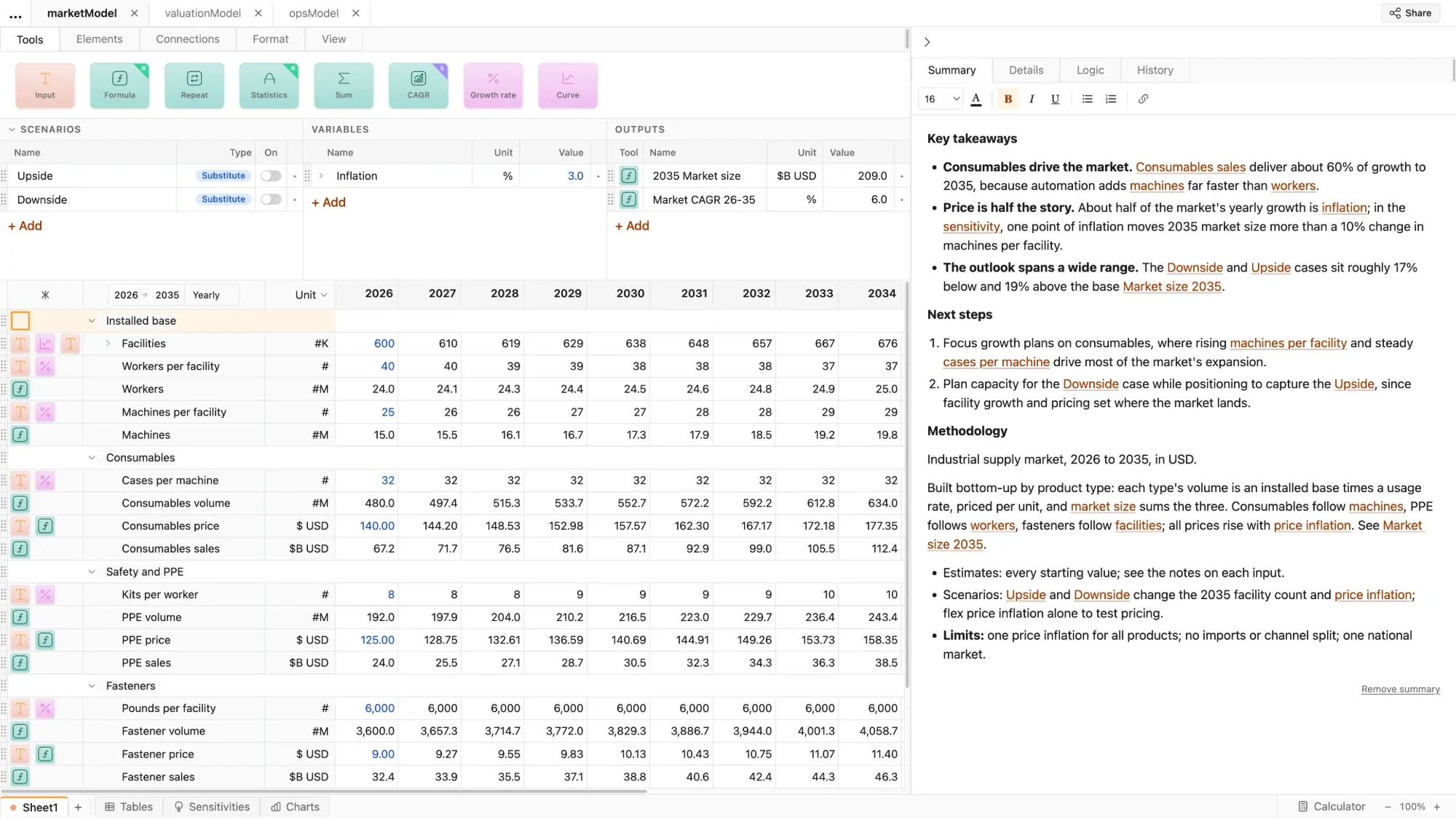
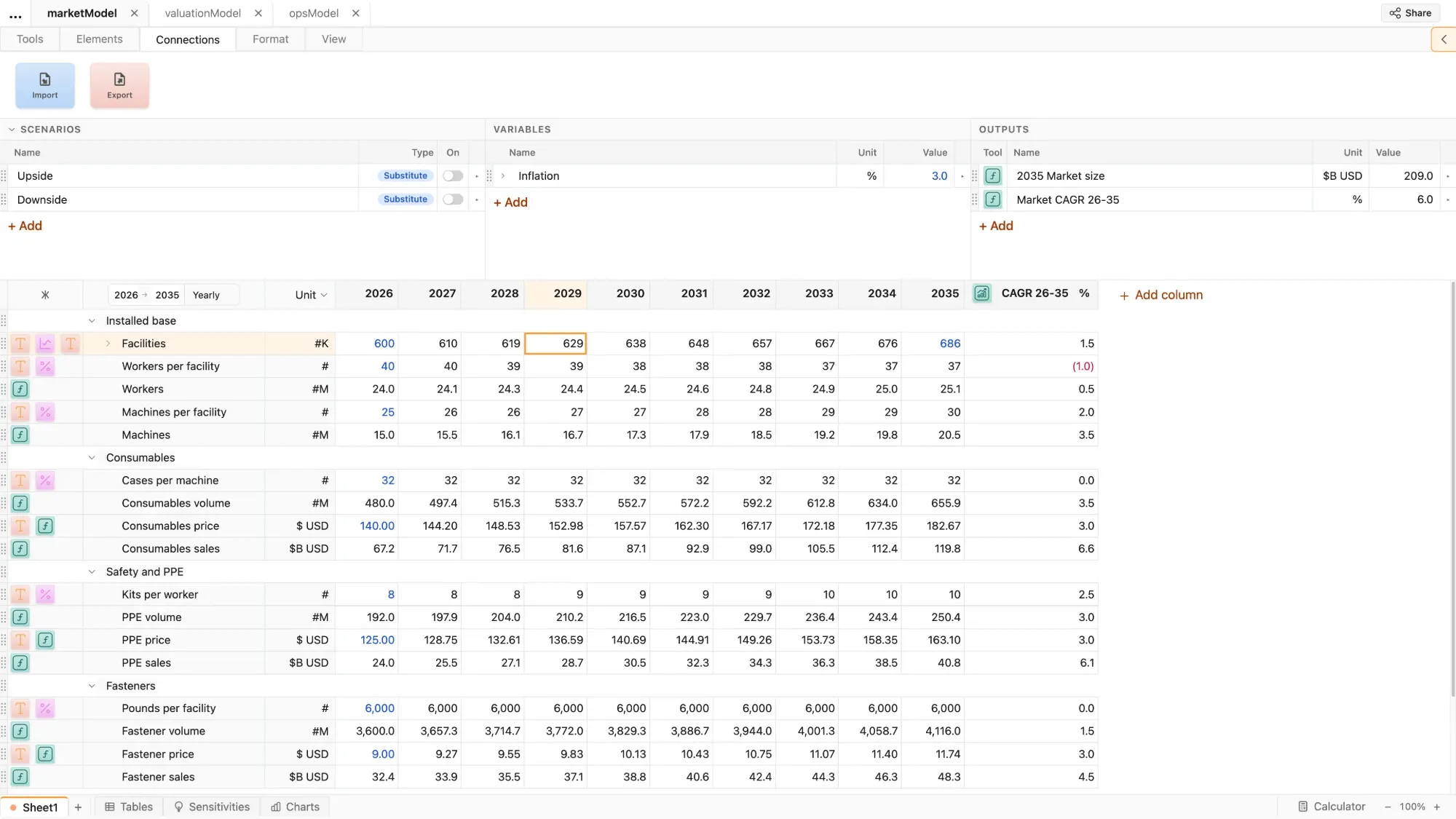
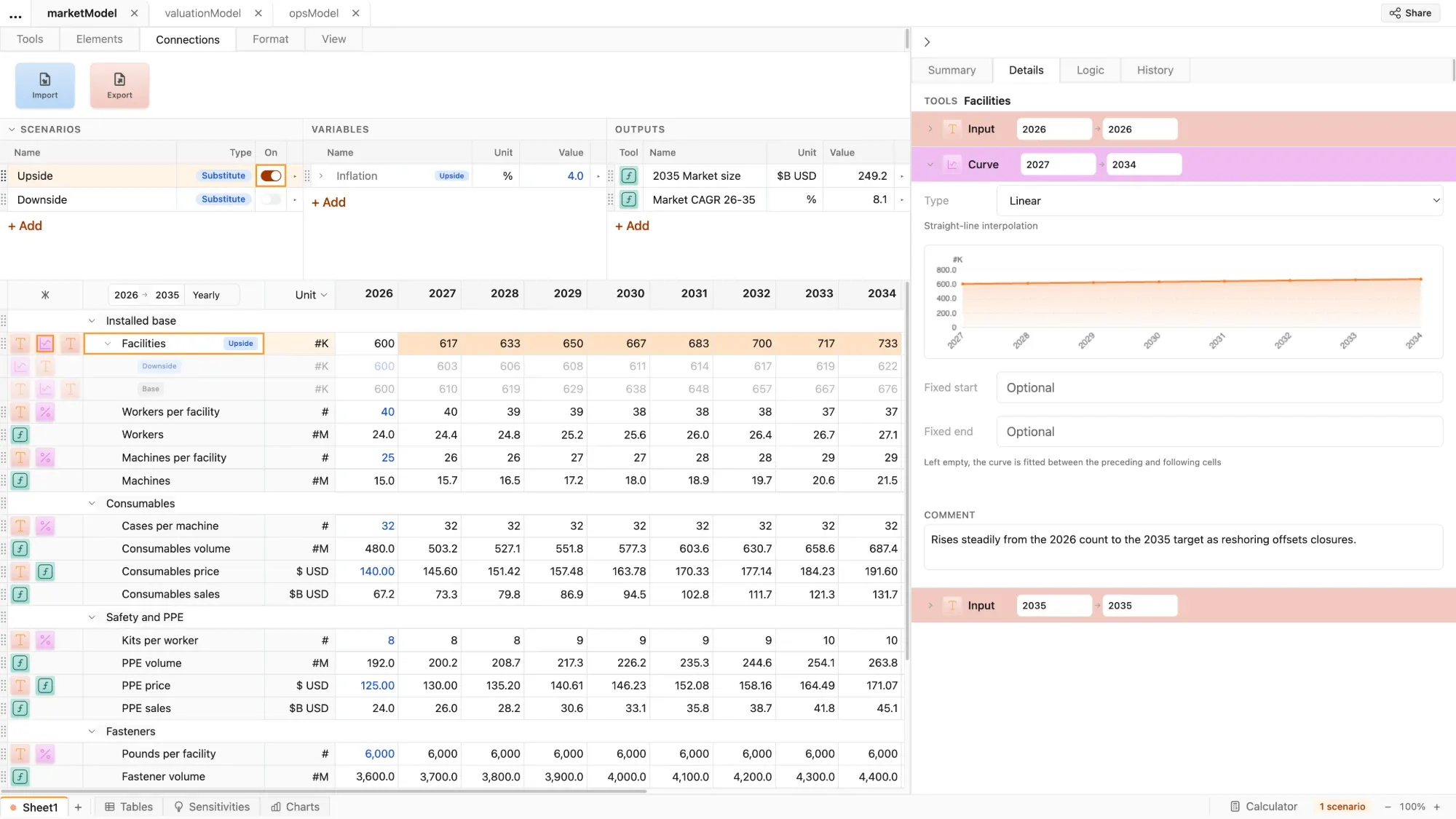
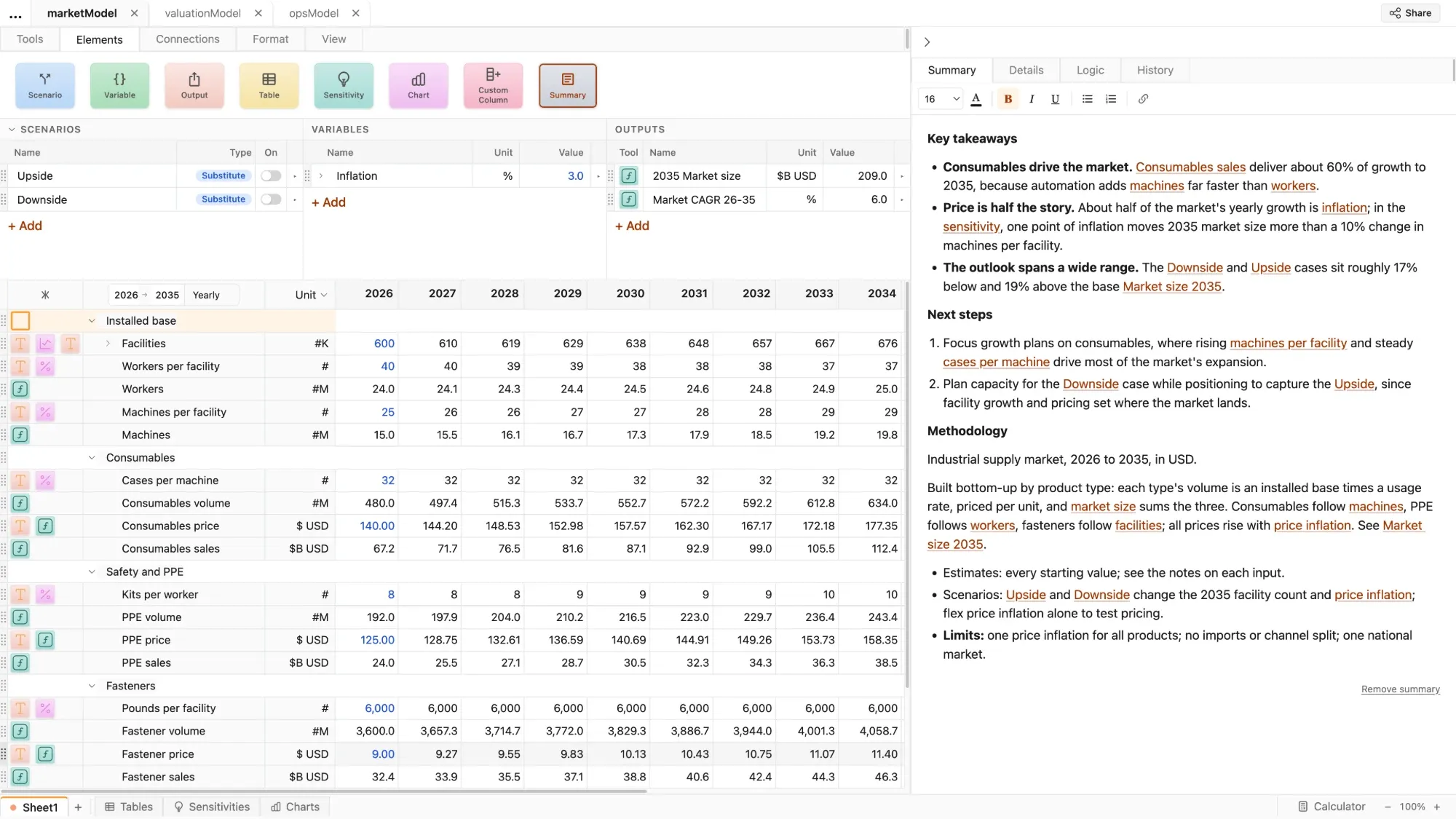

Summary
No need to hide the punchline - lay out the story the model tells right in the file, with hyperlinks to the assumptions and analysis
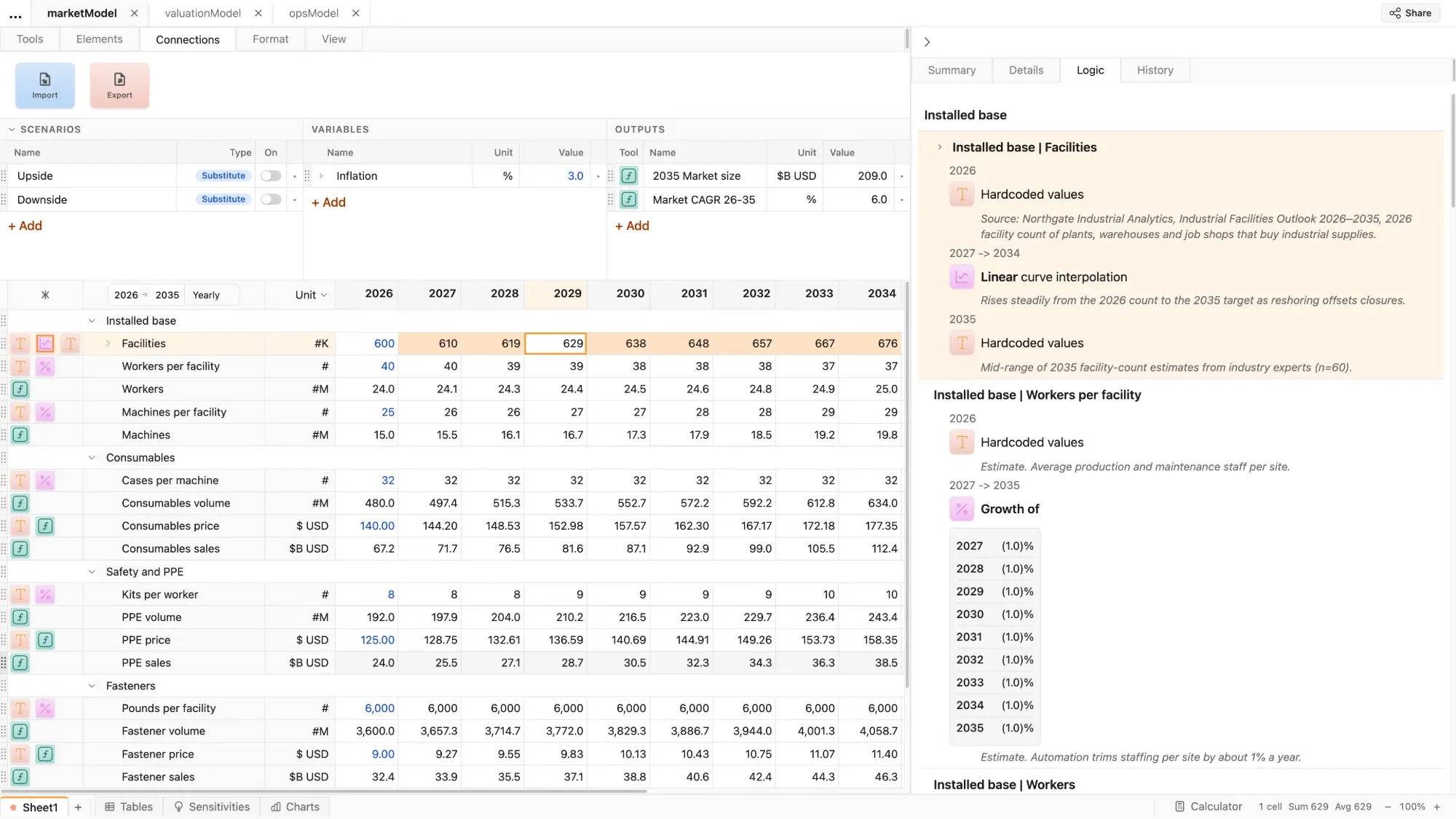
Logic
An easy-to-read summary of model structure and every single model assumption, recorded as you build
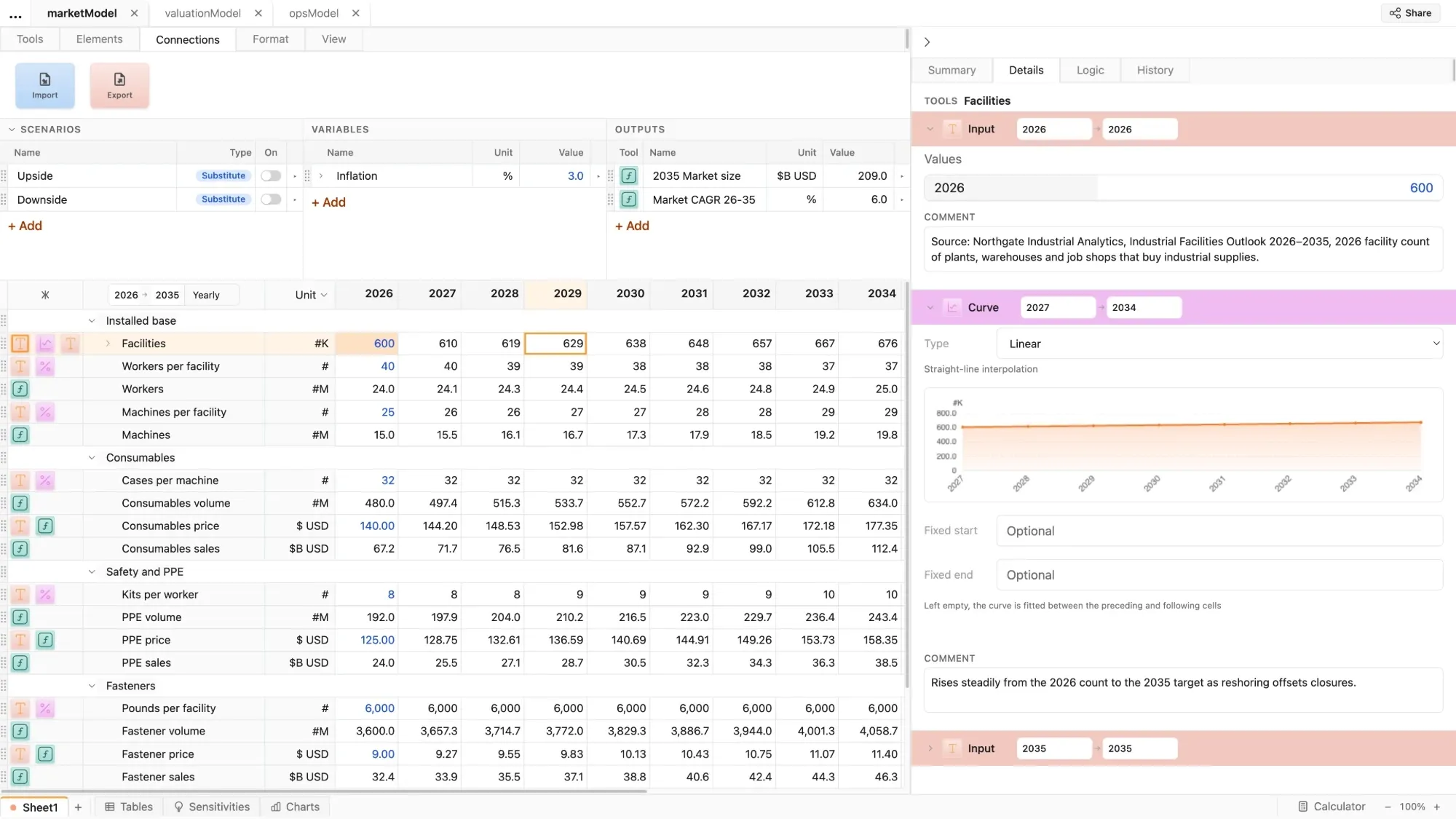
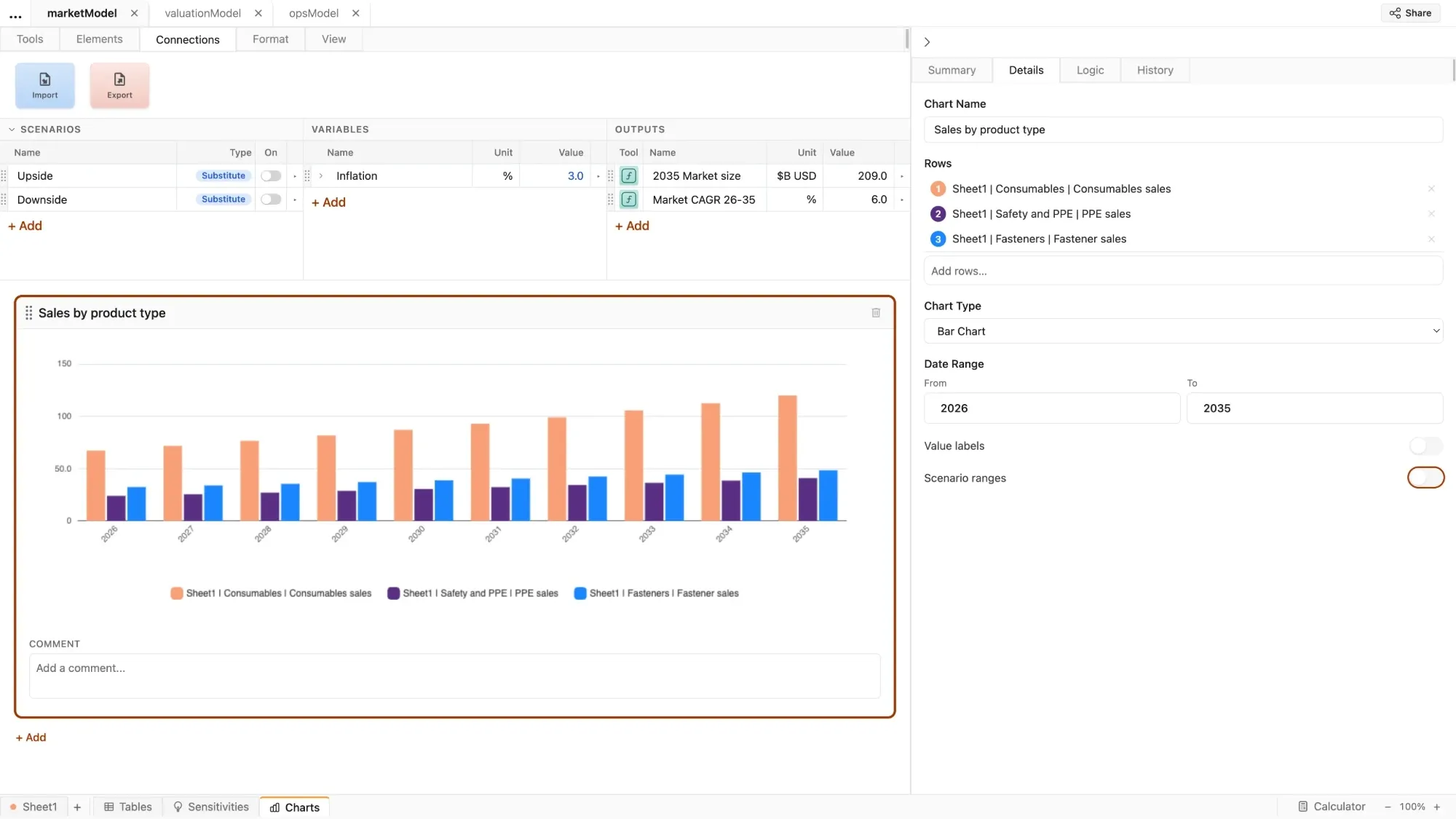
Details
Controls for all parts of the model in one place
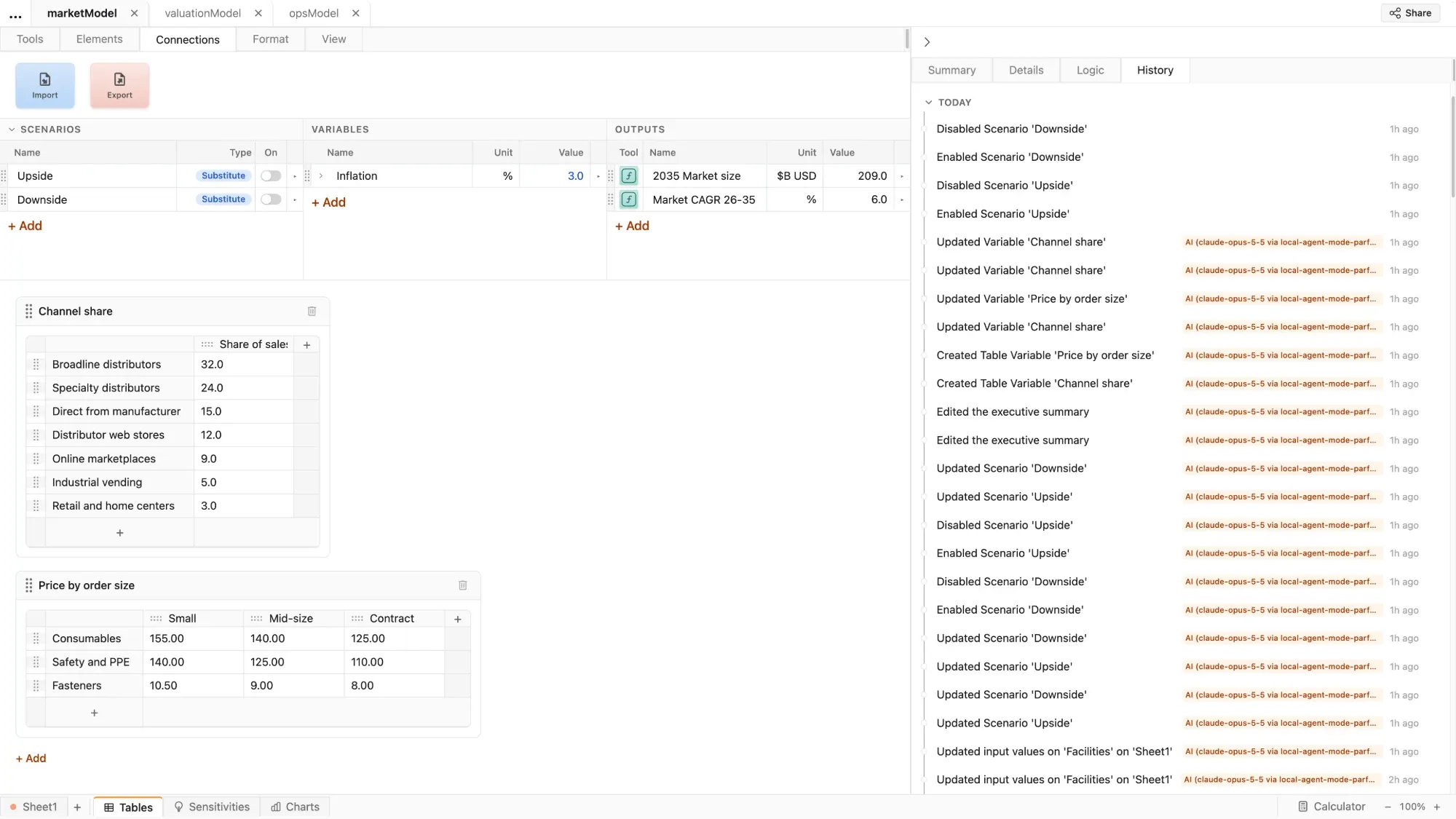
History
Parfera records every change made to the file, which enables unlimited undo/redo and up-to-the-moment autosave
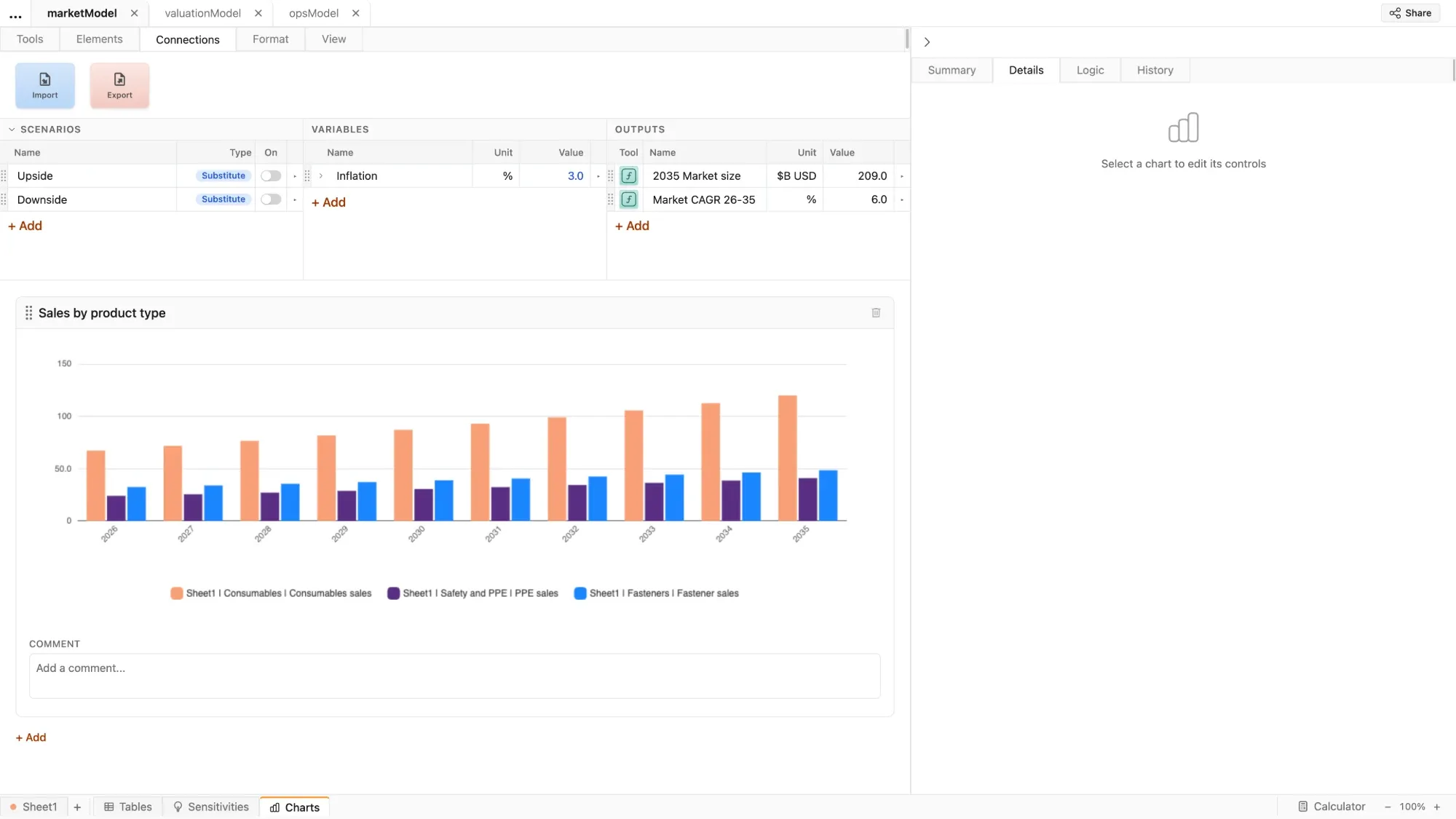
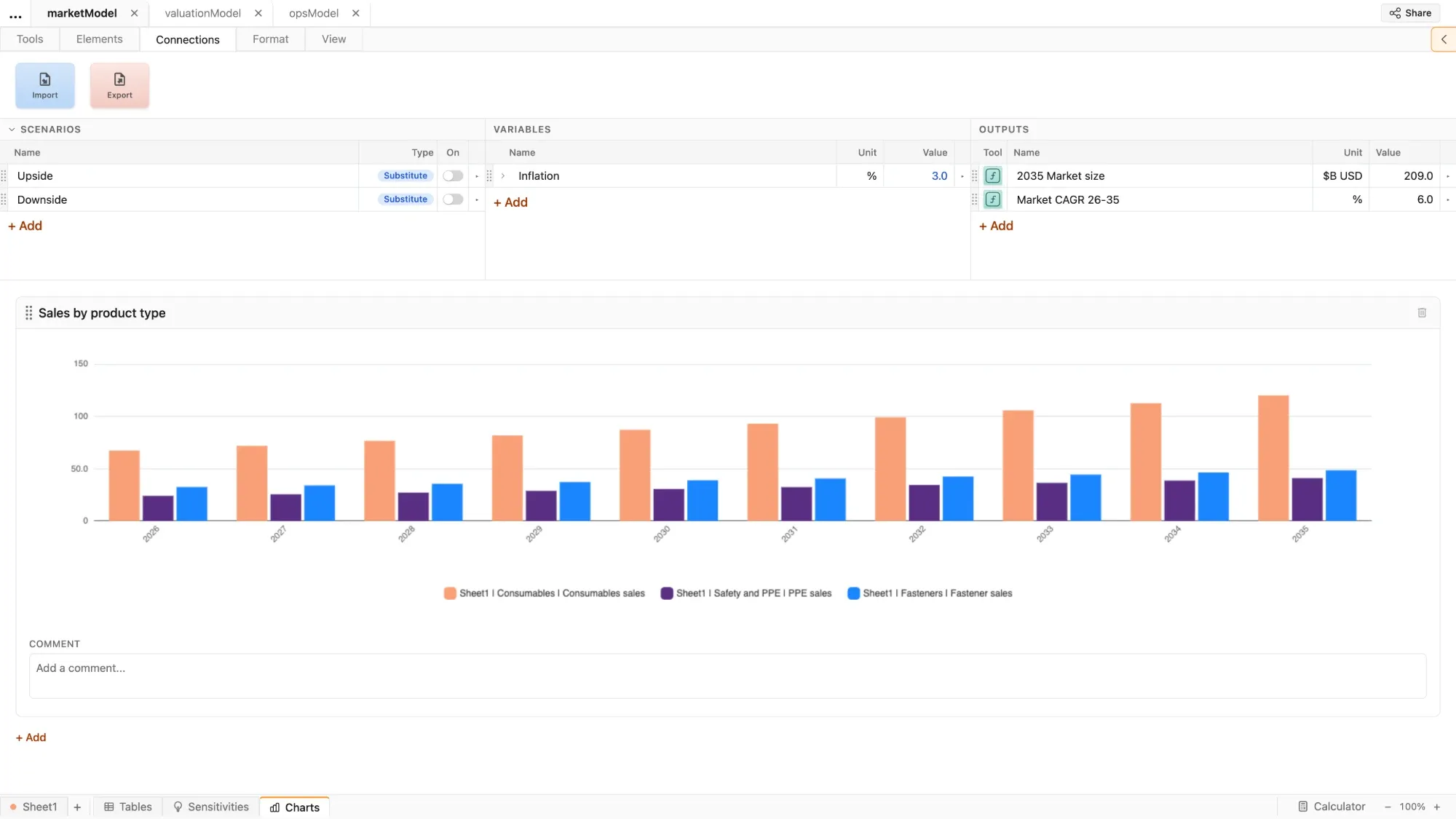
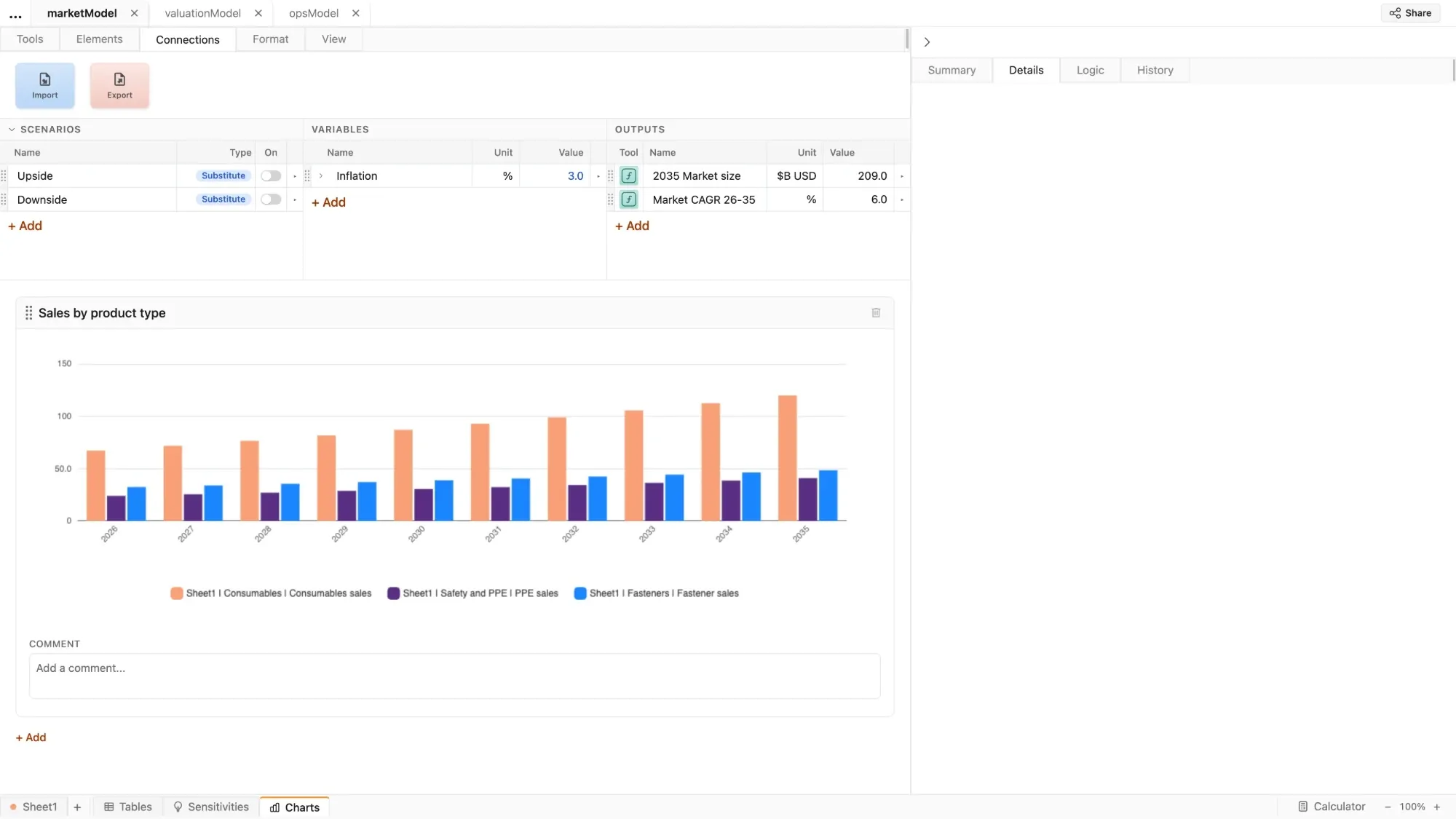
Charts
Plot any row, including scenarios, without clogging up the spreadsheet or opening another tool
Tools
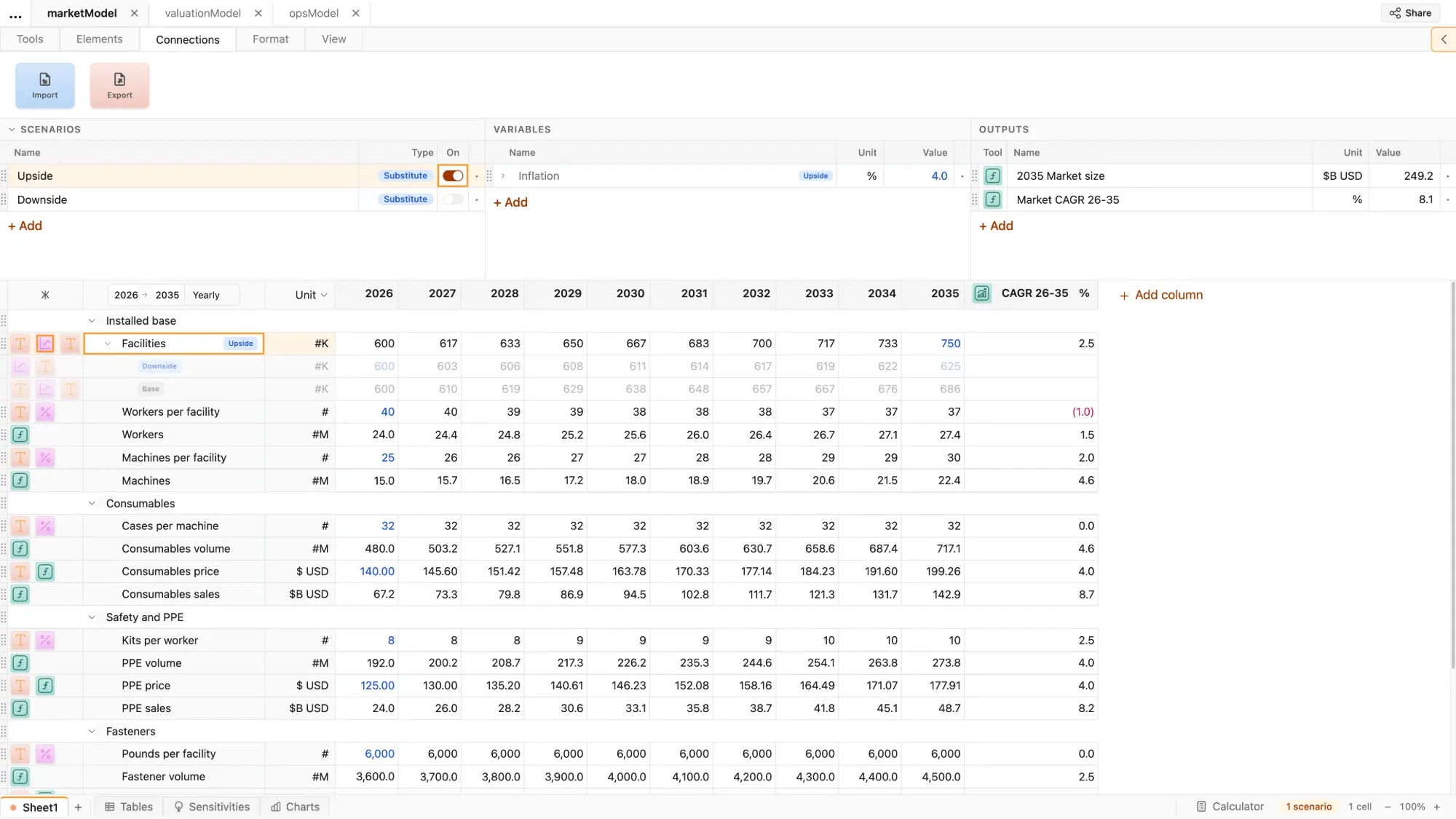
Tools applied to rows automate and simplify Excel's cell-by-cell formulas and alphanumeric references
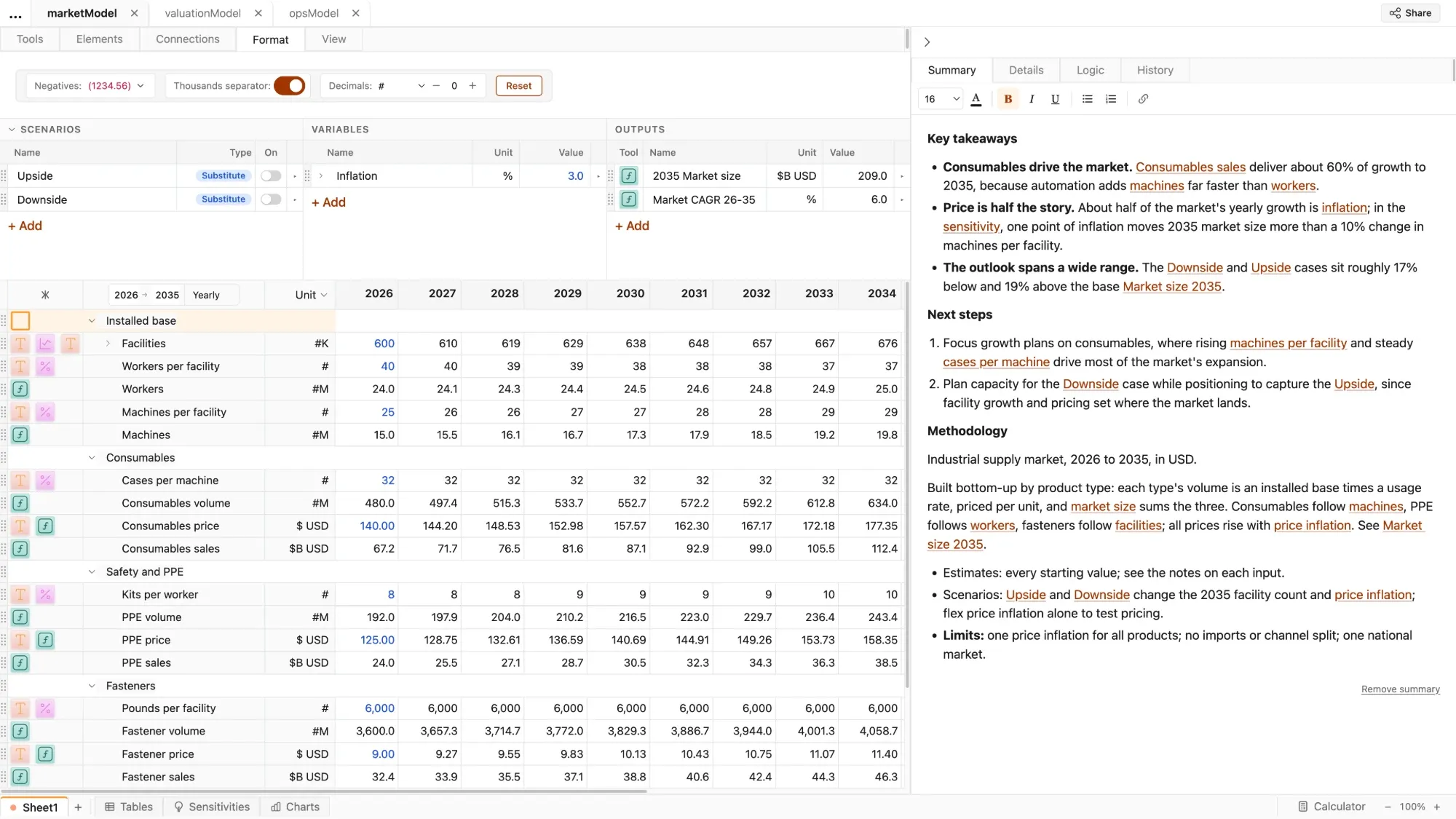
Format
Automatic formatting standardizes every file's look-and-feel, and makes every model presentation-ready
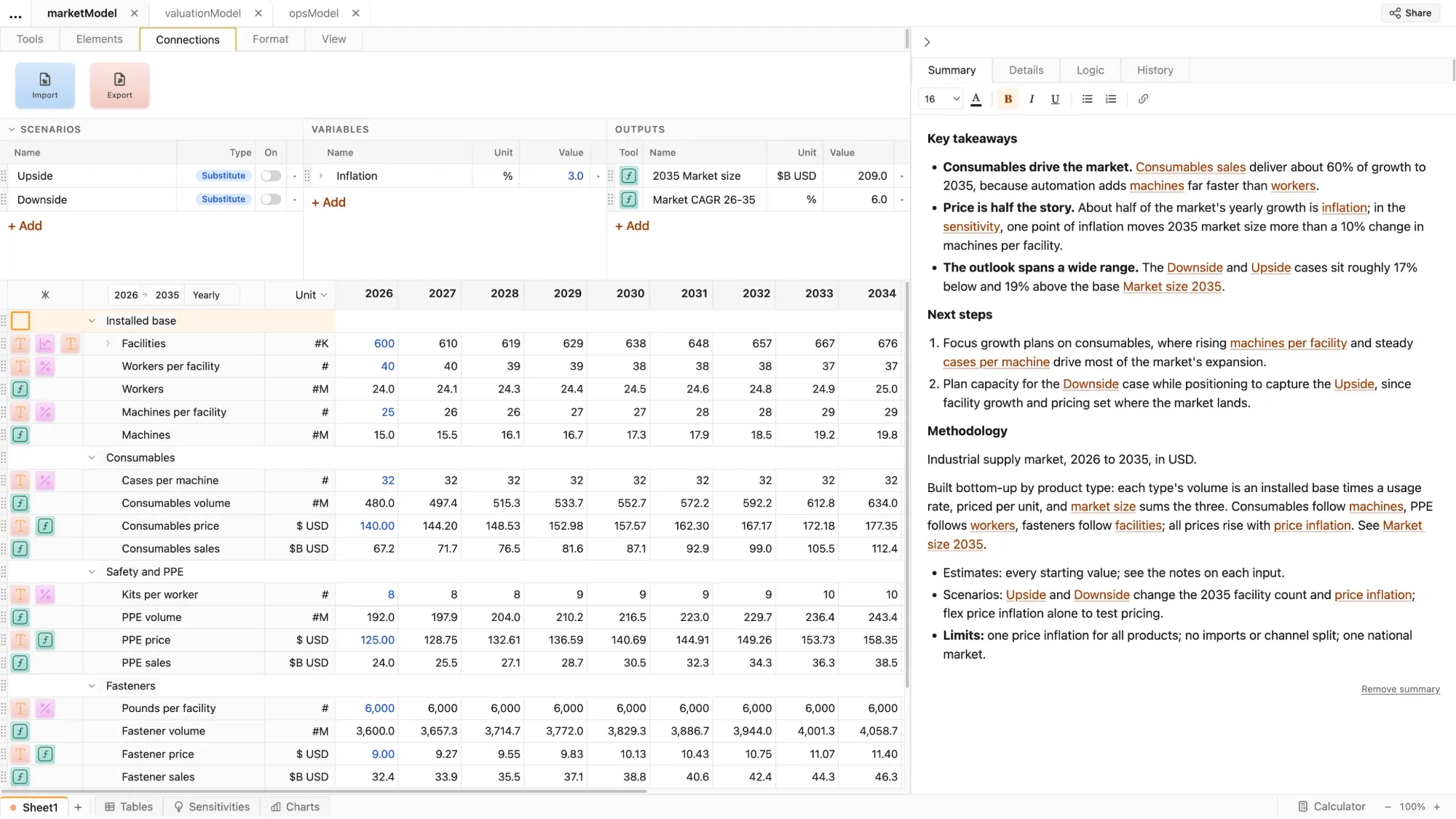
Connections
Import data from your existing files, or export your model into Excel
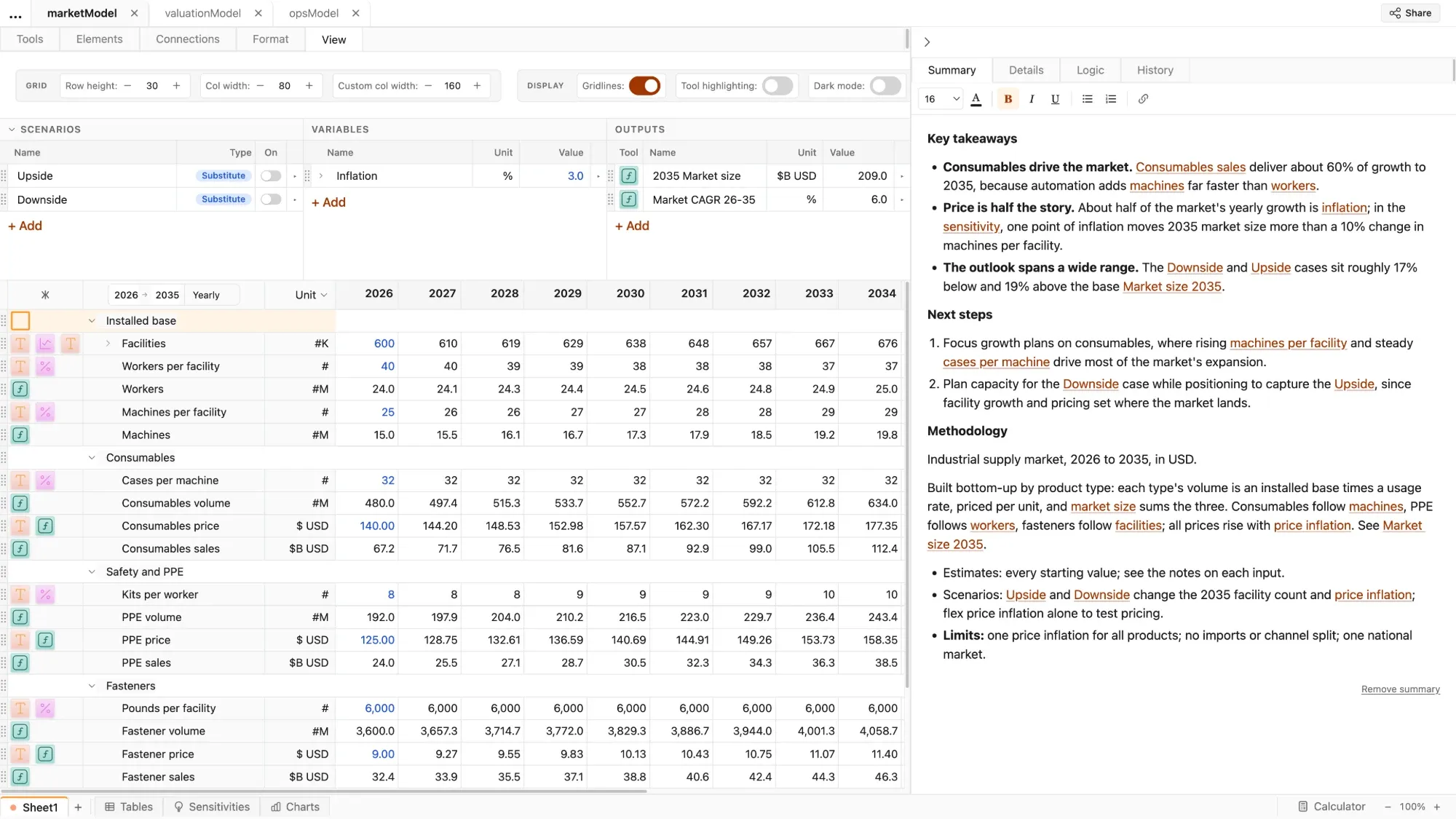
View
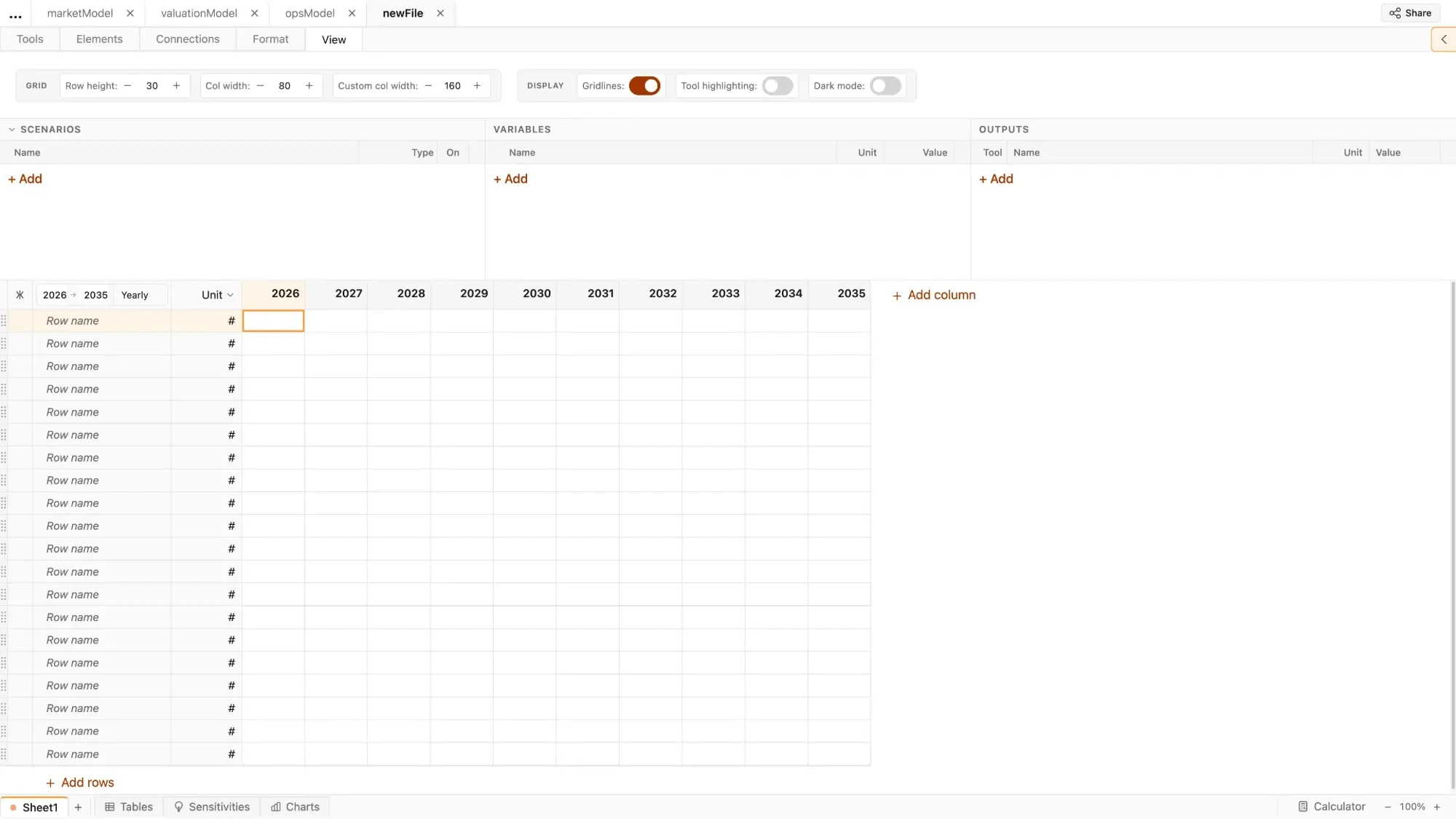
Customize key settings to ensure that you can model how you want
Elements
Pre-built blocks of logic replace Excel's complex, nested formulas
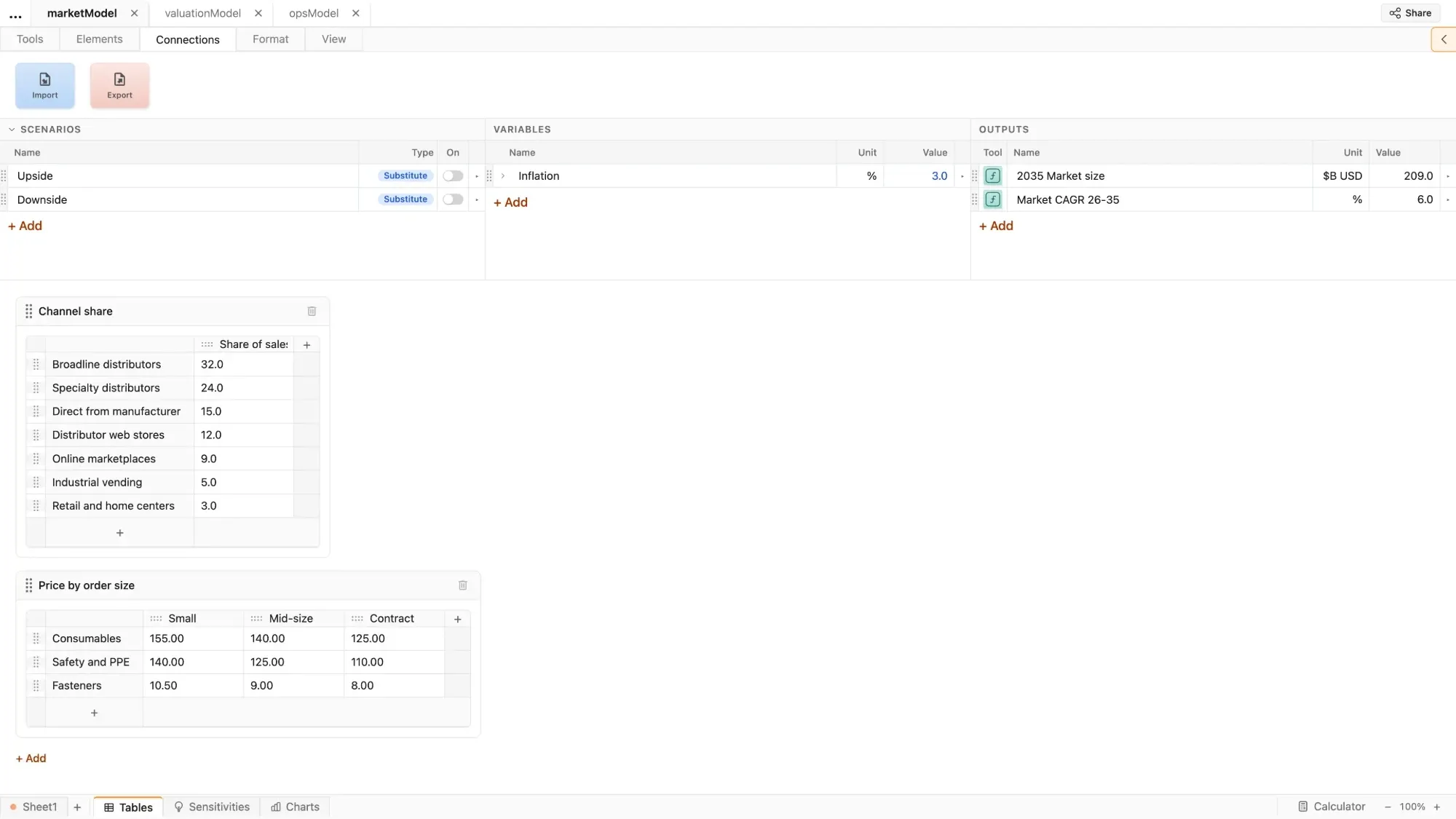
Tables
Store and organize data references used in the model, all in one place
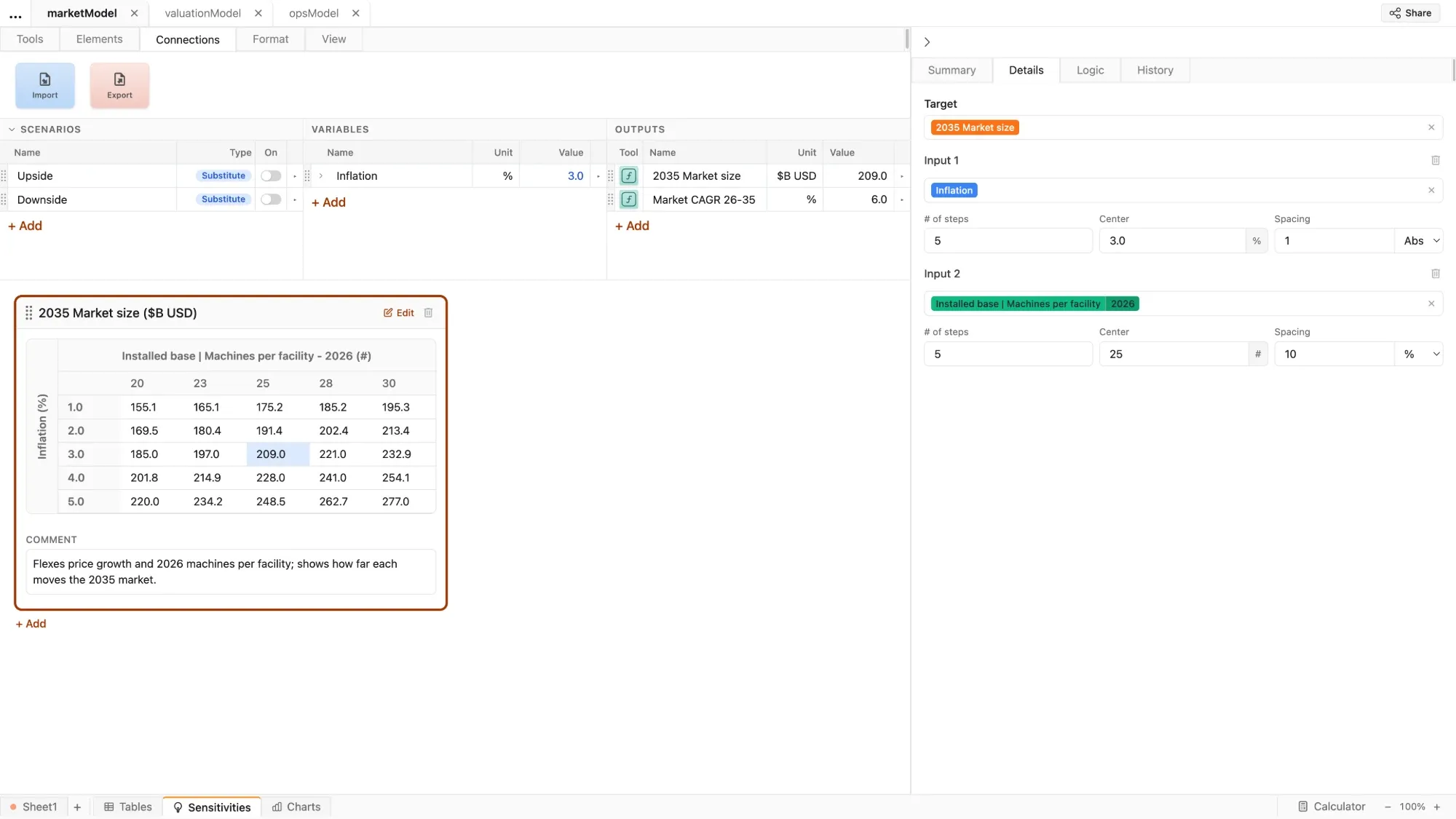
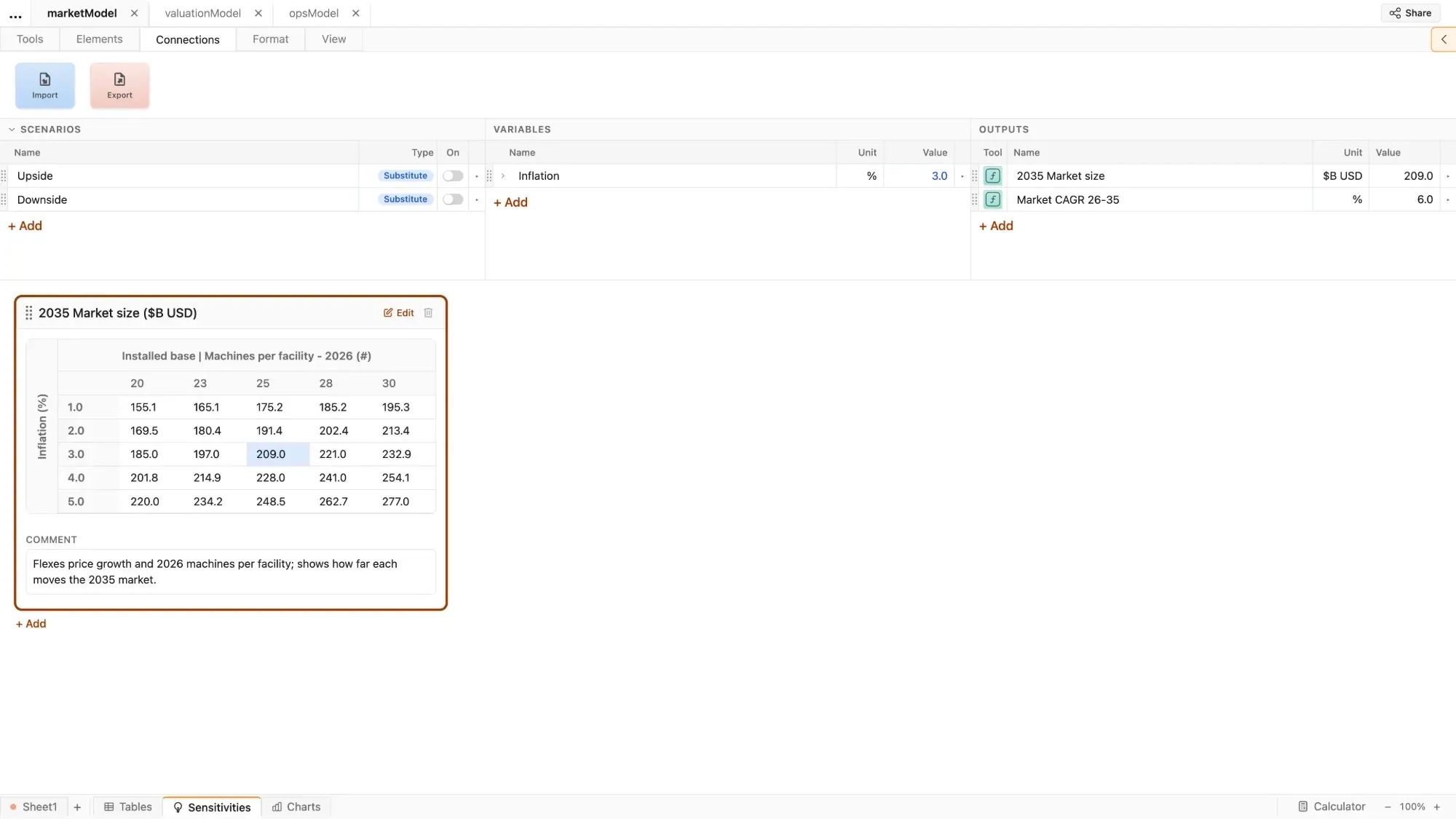
Sensitivities
Test any assumption or variable against one another and automatically generate sensitivity tables that auto-updates as the model changes
Scenarios
Two types of built-in scenario creation capabilities - Substitute and Layer - with a presentation-ready toggle panel
New model
Start by defining model scope - then build any forecast model, with or without AI
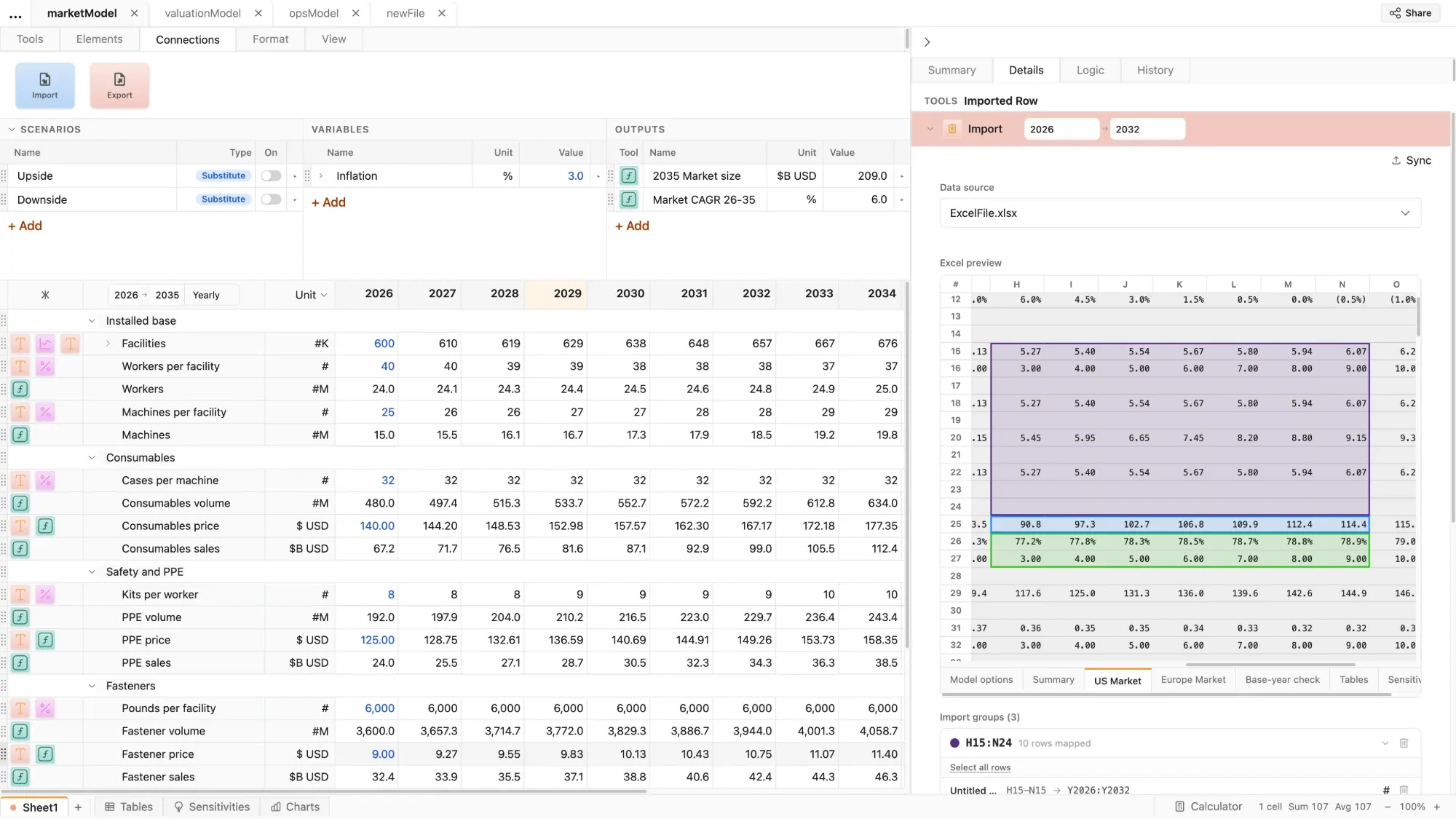
Import
Tracked imports enable seamless transition from Excel, with no copying and pasting
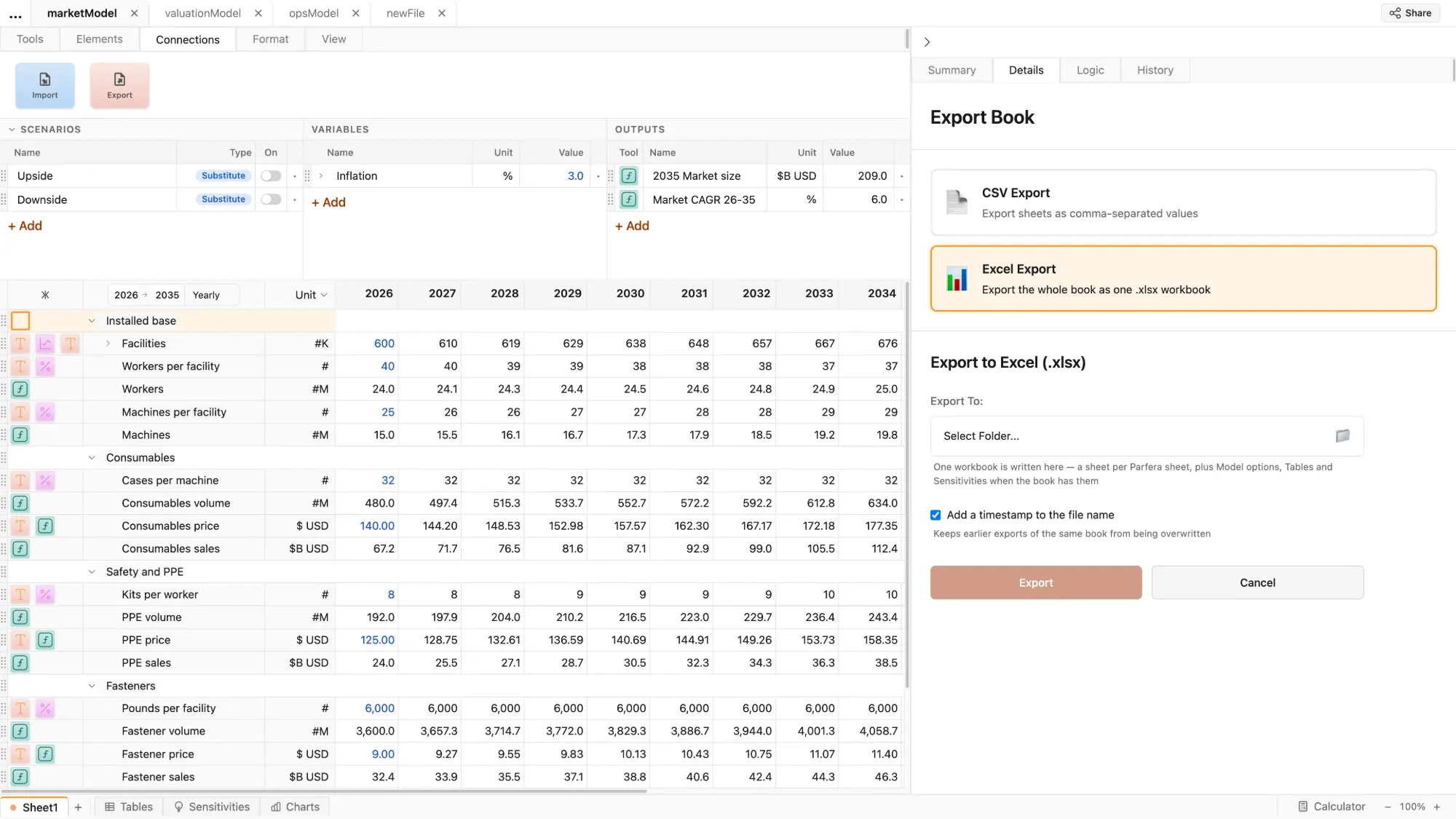
Export
Share Parfera files in fully editable or read-only formats, or export a fully dynamic Excel translation of your model
Dynamic timeline
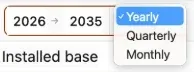
One-click translation of models between yearly, quarterly, and monthly views
Go beyond what is possible in Excel
The first redesign of the spreadsheet in a generation
Powerful & fast
Automated scenarios, charts, formatting, and more take the grunt work out of building a model
Trustworthy by design
Review all assumptions in one place, with no hidden cells or nested formulas to decipher
Easy to adopt
Build with a familiar interface, readable formulas, and powerful import tools
Spend less time reviewing and debugging
- 90%Less time required to understand a new model
- 5xAs many scenarios built in the same time
- ZeroBroken formulas when working with AI
- 95%Fewer opportunities for errors
Source: Parfera time studies with consultancy and Fortune 500 users
Swap out Excel for a new interface and keep your workflows
Connect to your services
Use your existing shared file storage and data rooms, import data from your existing spreadsheets, and work with your existing AI subscriptions
Share deliverables
Share files the way you do today or create secure links that open in the web browser with one click
Secure by design
Offline-capable desktop software with no proprietary data exposed to the cloud; AI is never required