How it works
Building and maintaining financial models is hard. AI adds speed, but the results are unreliable.
Models are hard to build
There is never enough trained talent available. Users spend years developing skills tied more to Excel than to the intellectual task of simulating a business
AI turns Excel into a black box
AI is ramping up output speed and volume, but the logic behind each number gets harder to see and check
Errors are in every model
Mistakes turn into panicked late nights, embarrassing meetings, and lost business
Outputs get abandoned
Excel models are hard to use, share, or pass on; organizations struggle to keep them up to date and explainable beyond the original author, even with extensive documentation
How Parfera solves these problems
- 1
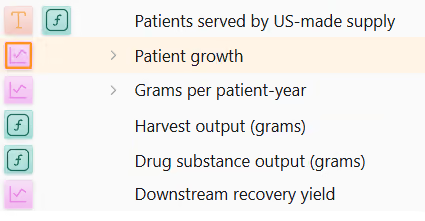
Tools in rows replace cell-by-cell formulas
In Excel, every cell holds its own formula, so one model can hide thousands of slightly different equations. In Parfera, a single Tool calculates an entire row and sits right next to the numbers it drives. There are 95% fewer formulas to write and no room for hidden mistakes.
- 2
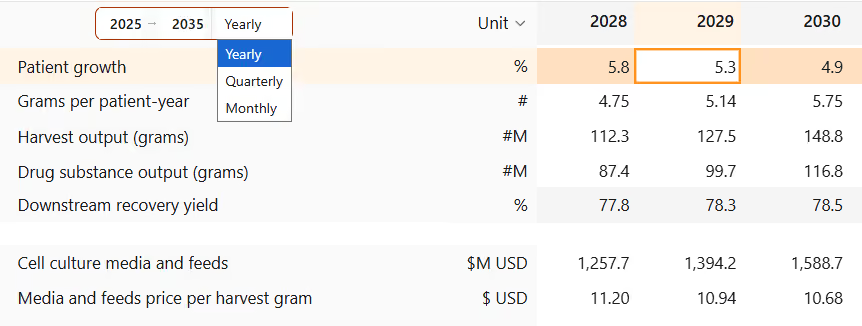
The calculation engine understands time
Every column is a real date, not just a letter, so formulas refer to rows and periods by name. Tools like CAGR and Growth Rate know which periods they span; the whole model can switch between yearly, quarterly, and monthly views without being rebuilt.
- 3
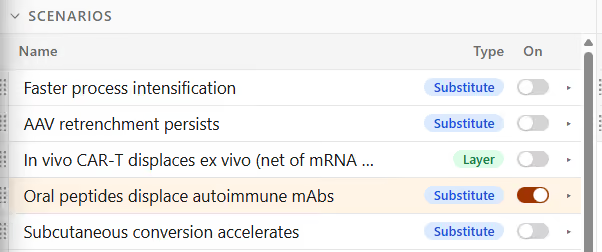
Elements replace complex nested formulas
Scenarios, variables, tables, outputs, sensitivities, and charts are built-in Elements instead of custom-built mechanics. Add an upside case or sensitivities in a few clicks as Parfera automatically wires up the logic. No more INDEX MATCH or nested IFs.
- 4
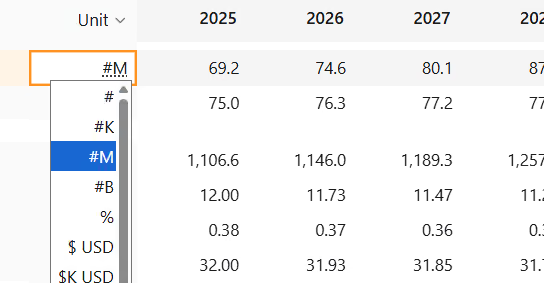
Automatic formatting replaces manual cleanup
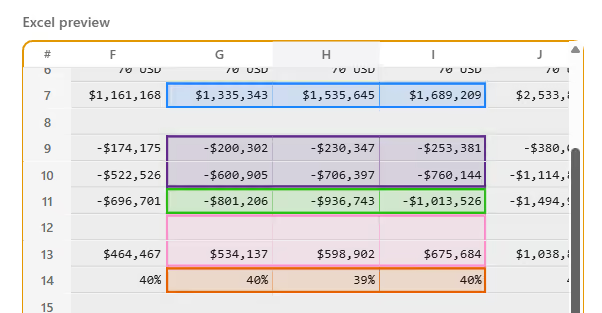
Parfera facilitates best practices for model layout and formatting. Scenarios, variables, and outputs are highlighted in their own sections. Every row has a clearly labeled unit, avoiding the confusion of /1000 or *100 adjustments.
- 5
A review layer makes every model easy to understand
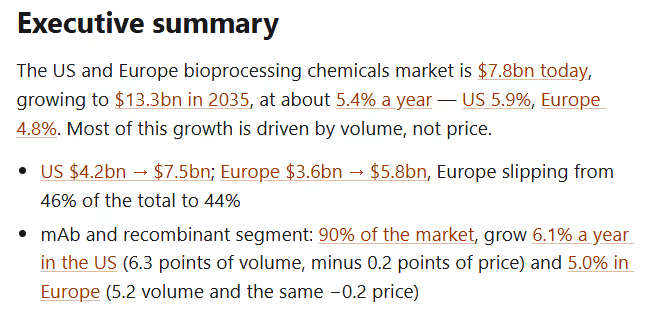
The Executive Summary function overlays the key takeaways of the model, with links between each number and the analysis behind it. The Logic tab lists every assumption, formula, and source on one page, thus helping reviewers verify model structure and inputs. Finally, the Change Log tracks every change made by users or AI to keep a strict chain of custody.
- 6
Tracked imports enable seamless transition from Excel
Connect to your data files from a live preview, with no copying and pasting. Every imported value keeps a clear record of its source, and one click syncs the model when the source file changes.
- 7
Models can reach anyone, with or without Parfera
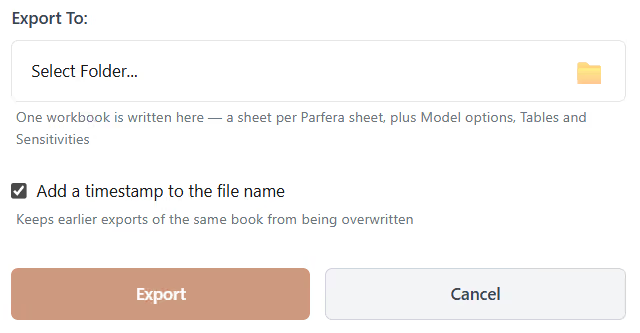
Send the Parfera model via email, chat, or file storage as you would today. Export an Excel file, or share a read-only version of the model with a secure link that opens in a web browser for clients or executives.
Parfera redesigned every layer of the spreadsheet with AI built in, something no Excel add-in can match
Excel