Control panel
 Version 1.0.6
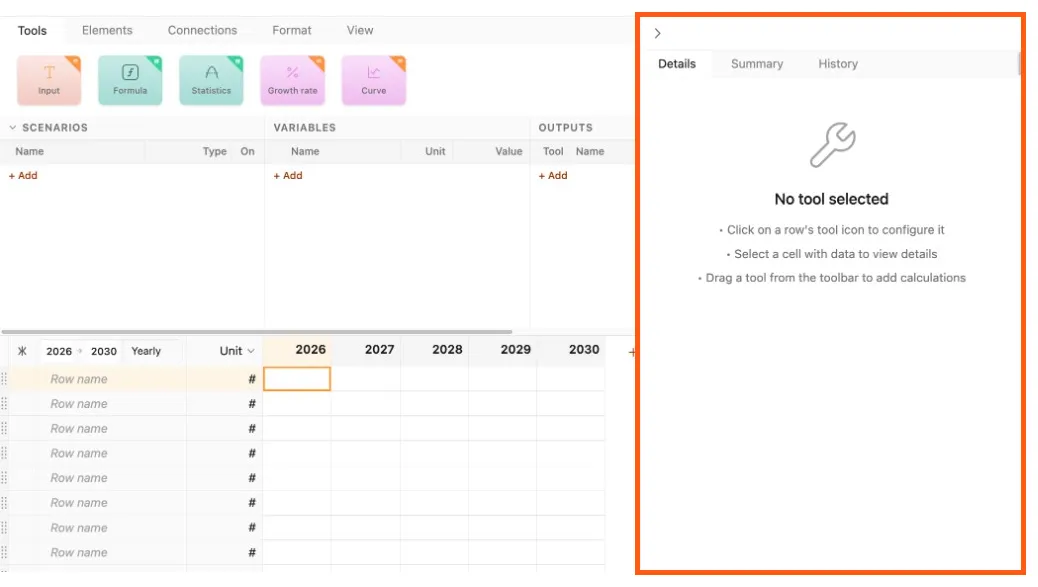
The control panel is where much of the work building and using a Parfera model occurs. Within the control panel are three tabs with distinct functionality:
Details: Tool control, data entry, chart and sensitivity test configuration
Summary: Row-by-row outline of model assumptions
History: Record of all changes made to the file
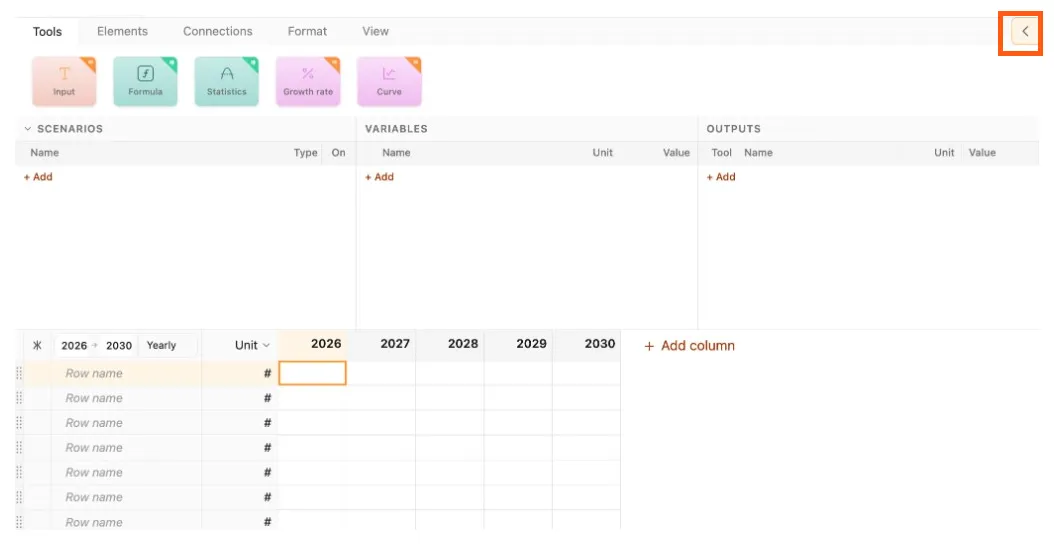
If the control panel is not visible within Parfera, use the Show/Hide button to expand it from the right side of the screen.
 Version 1.0.6
Keyboard shortcuts
Section titled “Keyboard shortcuts”| Action | Windows | macOS |
|---|---|---|
| Show/hide control panel | F10 | F10 |