Summary
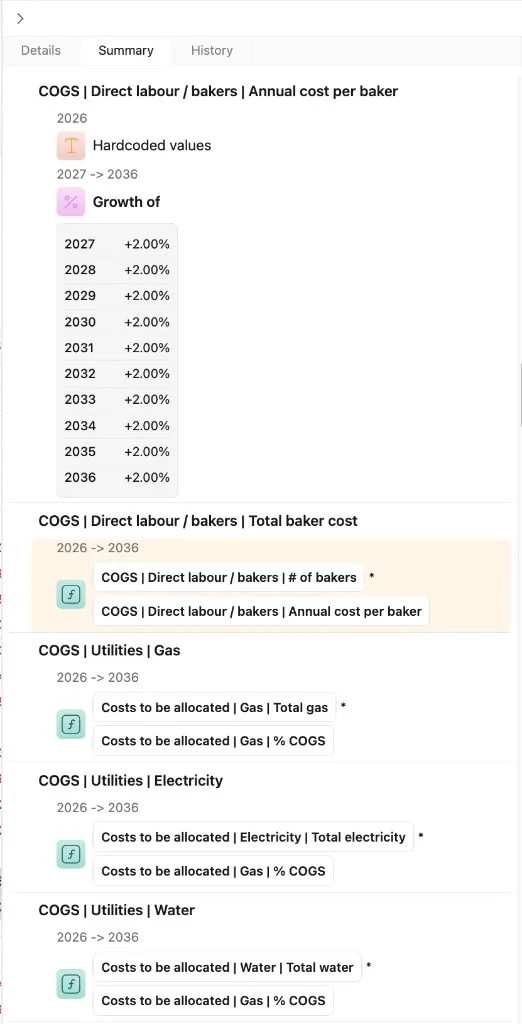
To improve the auditability of complex models and facilitate debugging, an important unmet need faced by Excel and Sheets users today, a read-only outline of the entire file is automatically generated in the summary tab of the control panel. Rows are listed in order with a summary of each applied tool and full tool comments, organized by time period.
 Version 1.0.6
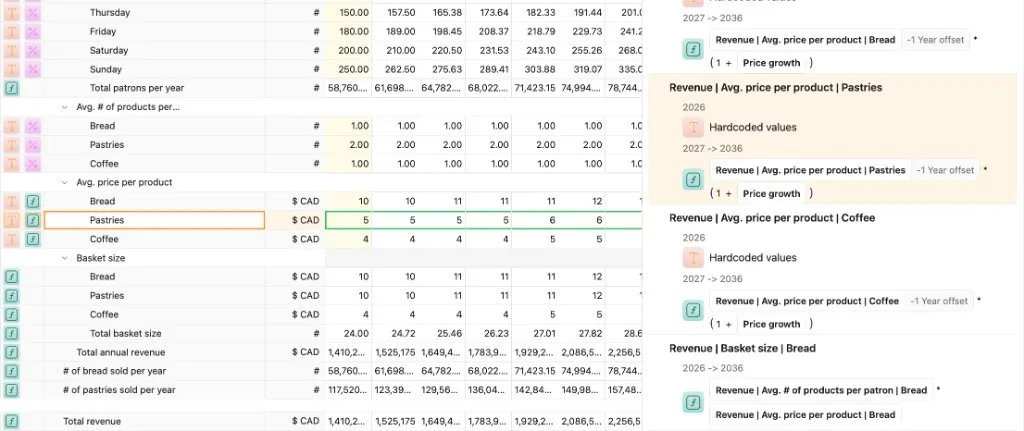
While the summary tab is open, clicking on a row in the grid will scroll the summary to the same row, and vice versa.
 Version 1.0.6