Model options
 Version 1.0.5
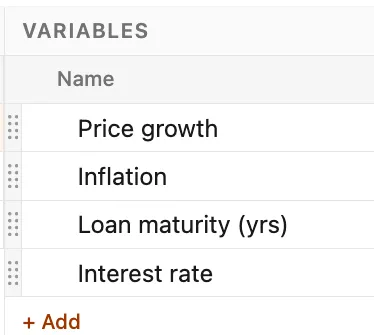
The model options section appears above the grid and provides a consolidated and easy-to-access location for the creation and control of all scenarios, variables, and outputs in a file. It can be expanded or collapsed by clicking on the header bar.
 Version 1.0.5
Each scenario, variable, and output in a model is reorderable within its respective section by clicking and dragging the handle.
 Version 1.0.5