Details
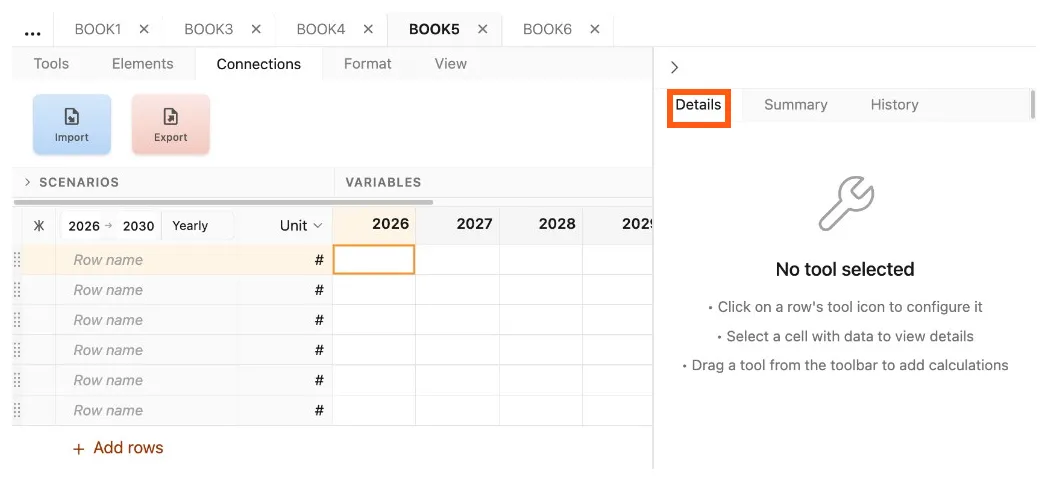
The details tab of the control panel is the primary location where controls and settings are displayed and manipulated. The content of the details tab reflects the active part of the model, typically where the user clicked most recently.
 Version 1.0.6
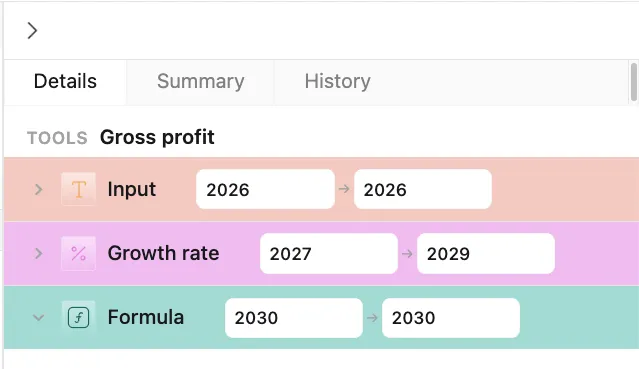
When the user selects a cell or tool in a row, output, or custom column, the tool settings appear in the details tab. When the selection is part of a row, the entire row’s tool stack is presented, with each tool’s settings shown in a collapsible section ordered by date.
 Version 1.0.6
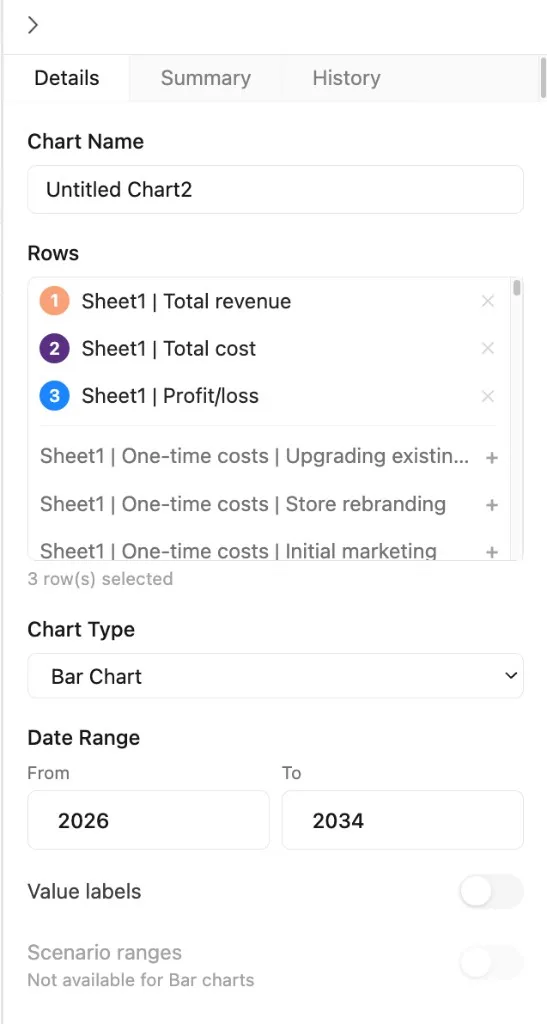
In addition to tool settings, sensitivity, chart, import, and export controls are presented via the details tab.
 Version 1.0.6